Students · Notion
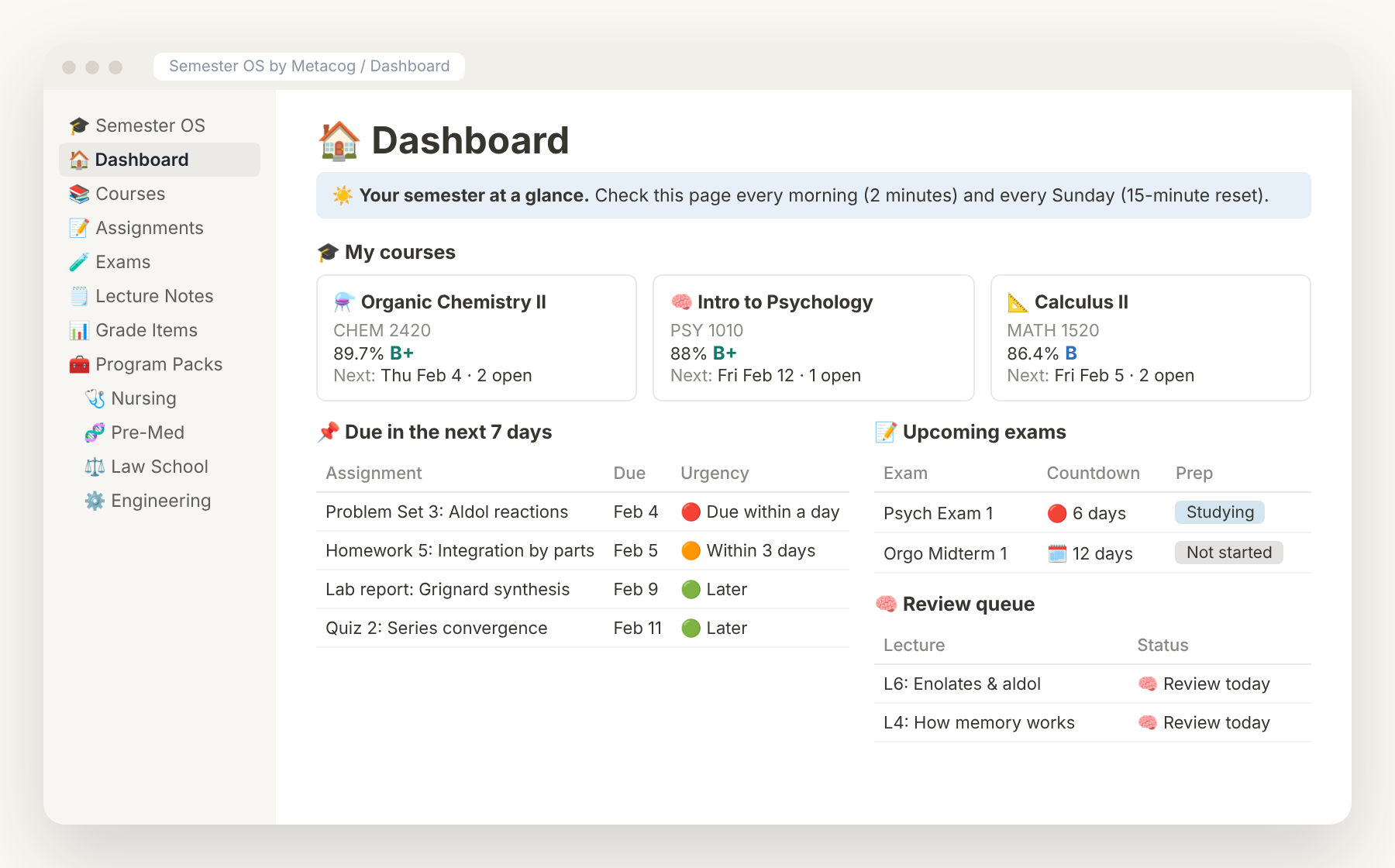
Semester OS — Notion Student Planner
Every class, deadline and exam in one calm dashboard.
$24$34

Notion budget template
In short: A zero-based budget system for Notion (with a Google Sheets twin) that tracks income, expenses, sinking funds, debt payoff and savings goals — with automatic monthly roll-ups and a weekly 10-minute money check-in.
No. The template works on the free Notion plan.
No — entries are manual (or CSV import), which keeps your bank credentials private and makes you more aware of spending.
Yes, a matching Google Sheets budget planner is included at no extra cost.
Yes. If it isn't right for you, email hello@metacogstudy.com within 14 days.
Students · Notion
Every class, deadline and exam in one calm dashboard.
$24$34
Students · Notion
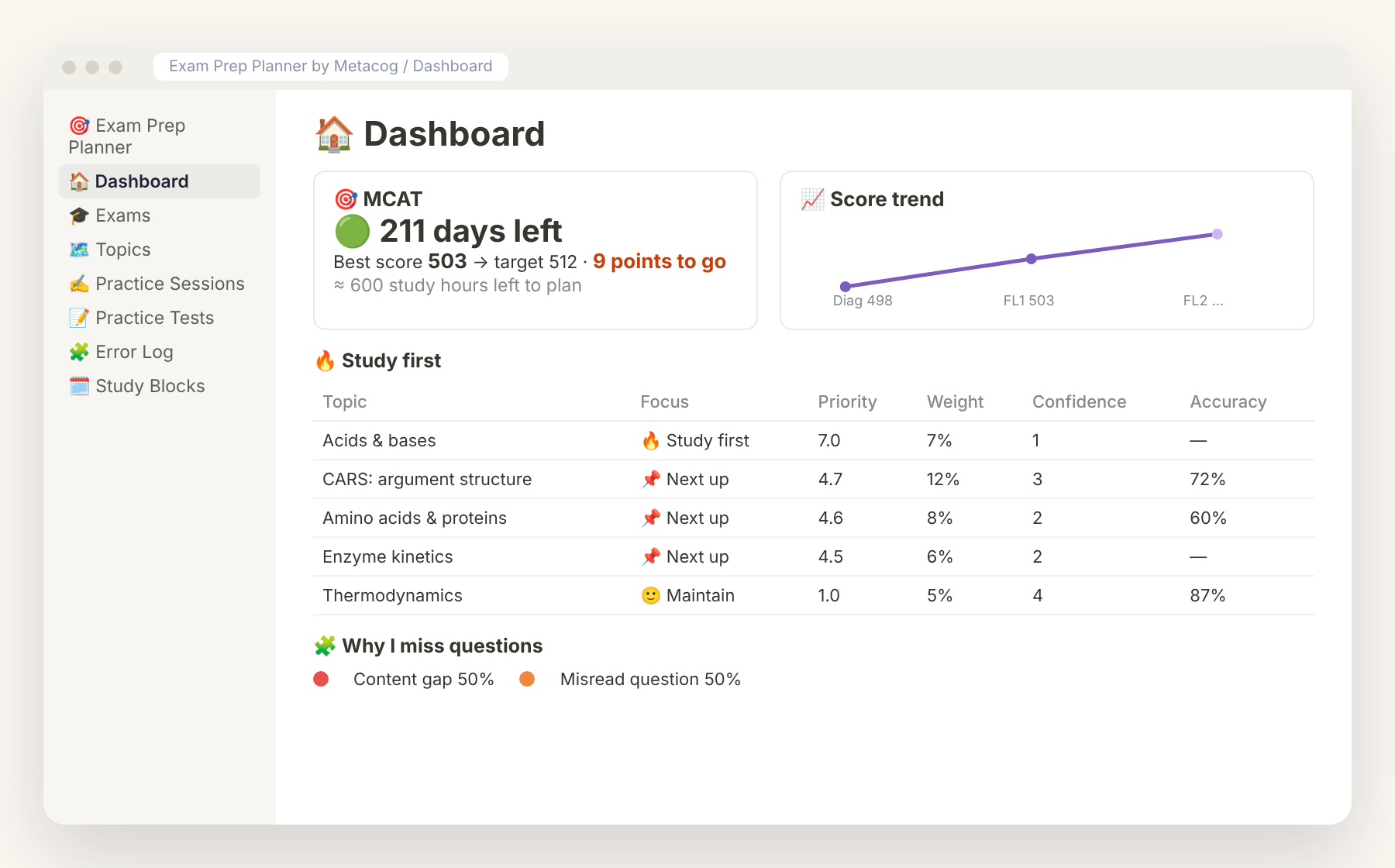
A study plan that adapts to your weak spots, not a generic calendar.
$19$29
Planning · Notion / Printable PDF / GoodNotes
Plan your week in 20 minutes. Actually follow it.
$12